



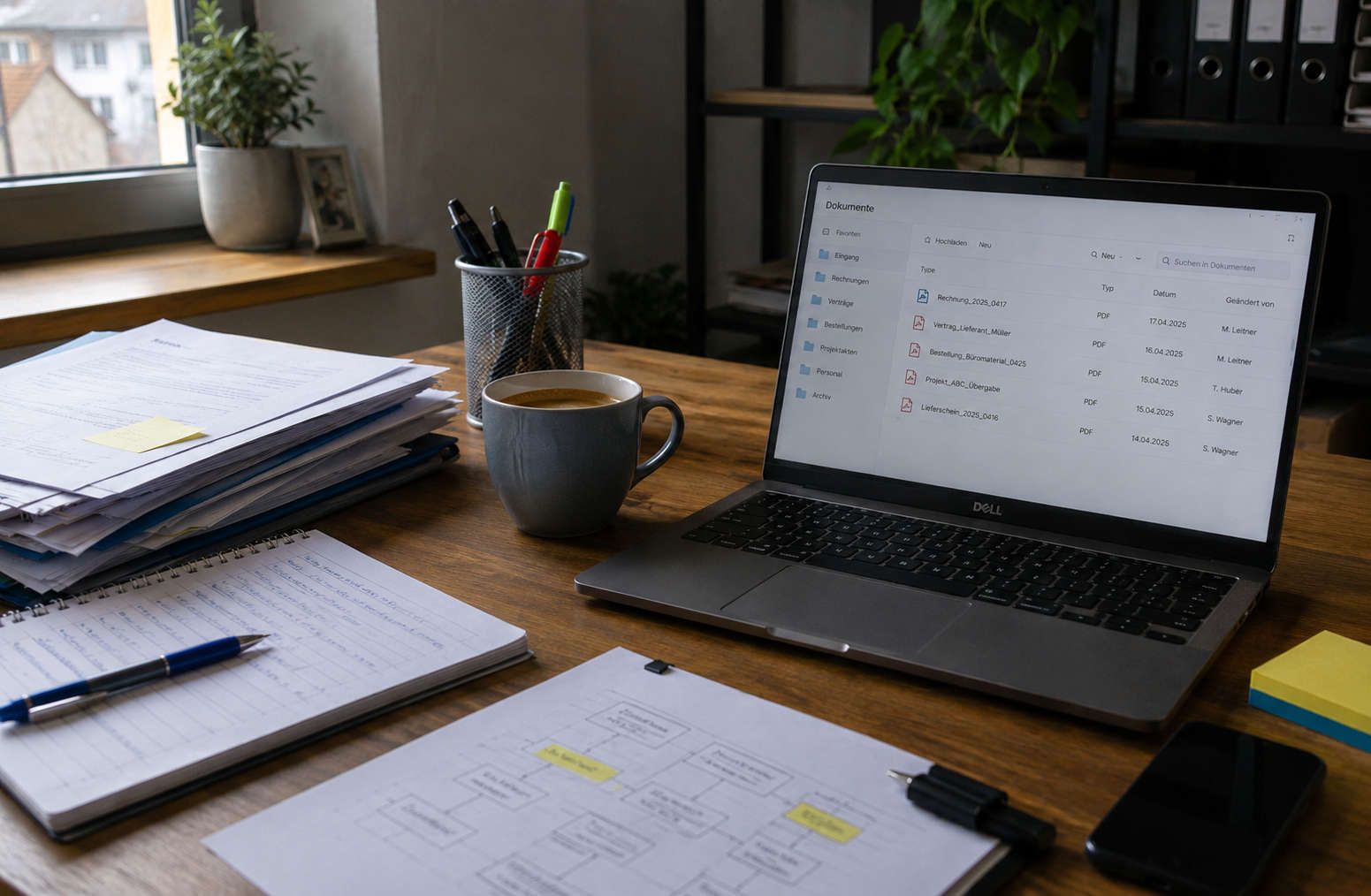
Introducing a paperless office: A guide for SMEs
A paperless office helps SMEs capture documents digitally, find them faster, and manage processes without media breaks. Instead of searching for invoices, contracts, or delivery notes in folders, emails, and local files, teams work with centralized digital documents, clear access rights, and transparent workflows.
Many SMEs struggle with scattered files, paper folders, unclear approval processes, and significant search efforts in their daily operations.
The key is not to eliminate every single piece of paper immediately. What's important is a practical system encompassing document management, scanning processes, filing rules, approvals, data protection, and ongoing operations.
This guide shows how SMEs can implement a paperless office step by step, which processes are suitable first, what to consider regarding document management systems (DMS), GDPR compliance, and archiving, and which mistakes often hinder the transition.
Table of contents
- What does a paperless office mean in practice?
- Implementing a paperless office: Step-by-step for SMEs
- Document management: Setting up a DMS and digital filing system correctly
- Scanning process and legally compliant scanning
- Legally compliant archiving and data protection in the paperless office
- Digitizing workflows: Invoices, approvals, and signatures
- Technology, costs, and operation
- Conclusion
- FAQ: Paperless office
What does a paperless office mean in practice?
A paperless office means that business documents are predominantly captured, processed, retrieved, and archived digitally in an audit-proof manner, enabling seamless workflows. For SMEs, this includes clear rules for filing, access rights, scan quality, and approvals, as well as technical components such as a document management system (DMS), OCR text recognition, logging, and backup.
In practice, "paperless" rarely means "without a single sheet of paper." The crucial factor is that relevant business documents are available in a consistent digital system and that processes are built upon this system. This includes a defined input channel, a clear filing logic, traceable processing steps, and archiving that can withstand audits.
It's also important to distinguish between digital document storage (file server/cloud folder) and document management. A DMS typically adds versioning, access rights, audit trails, and workflow functions. These elements are precisely what determines in daily practice whether employees actually work within the system or revert to email attachments and local folders.
The key is to distinguish between digital document storage (file server/cloud folder) and document management.
- Target vision: Digital document management with clear rules instead of individual scan folders
- Core components: Capture, indexing, search, permissions, workflows, archiving, backup
- Success criterion: Documents are findable, versioned, and their processing is traceable
- Limitation: File storage is helpful, but it does not replace a document management system (DMS) with logs and governance.
What are the advantages of a paperless office?
The biggest advantage usually lies in the search function: instead of folders, files, and email attachments, authorized users access a central source. Full-text search and metadata reduce queries and prevent multiple versions from circulating simultaneously. This improves processing speed, for example, when dealing with complaints, supplier inquiries, or contract issues.
Collaboration becomes easier when comments, approvals, and versions are traceable. In growing companies with multiple locations or home offices, secure access is also crucial. A well-defined authorization concept ensures that sensitive documents are only visible where they are needed.
- Fast retrieval through full-text search, tags, and consistent naming conventions
- Fewer media breaks during approvals and queries
- Improved access for remote locations and mobile work with clearly defined permissions
- Reduced errors through versioning and central storage
Which processes are suitable for starting up?
For a smooth start, focus on high-volume processes with clear standards. Incoming invoices are a typical example because they contain recurring mandatory data and can be easily combined with OCR text recognition, account assignment, and approval. Delivery notes, purchase orders, and contract documents also benefit from being linked to processes or projects.
- Incoming invoices including approval and transfer to accounting
- Contracts with versioning, deadlines, and access control
- Delivery notes and purchase orders as process files
- Project files as a central handover and documentation folder
How can the transition be achieved gradually?
Gradual digitization means modernizing processes in stages: first stabilizing incoming and outgoing documents, then adding approvals and automation, and finally prioritizing the transfer of legacy archives. This keeps risk manageable and increases acceptance. Realistic goals are concrete and measurable, such as "digitally capturing invoices within 24 hours."
Introducing a paperless office: Step-by-step for SMEs
A successful transition doesn't begin with purchasing a tool, but with clear processes. First, define which documents should be managed digitally, who is responsible, and what rules apply to filing, approvals, and exceptions. Especially in SMEs, the initial steps should be streamlined: a pilot area, a few standardized processes, and clearly defined responsibilities are often sufficient to get started.
It's important not to convert all paper-based processes at once. Begin with an area that occurs frequently, is easily standardized, and delivers quick benefits—for example, incoming invoices, delivery notes, or contract filing.
What preparation is needed?
Start with a brief inventory of your current processes: Where are documents created, how do they enter the company, who reviews them, who approves them, and where are they stored? Document not every exception, but rather the most important document pathways.
Next, clarify responsibilities: Who manages the digital mailroom, who grants access rights, who checks quality, and who decides in special cases? These roles don't need to be elaborately organized, but they must be clearly defined.
Which documents should be digitized first?
Start with documents that are frequently used, clearly structured, and regularly searched for or approved. Incoming invoices, delivery notes, purchase orders, standard contracts, and project-related documents are particularly suitable.
Not every legacy document needs to be digitized immediately. Historical documents should only be prioritized if they are frequently needed, legally relevant, or pertain to ongoing processes.
- First: Invoices, delivery notes, purchase orders, current contracts
- Later: Old archives, rarely needed documents, special cases
- Determine beforehand: Which documents will remain in their original form?
What does a 30/60/90-day roadmap look like?
A simple roadmap prevents the transition from getting stuck in the planning stage.
- 0–30 days: Select pilot, define document types, and establish scanning and filing rules.
- 31–60 days: Test digital approvals, role permissions, and initial workflows.
- 61–90 days: Establish training, quality assurance, stable operating rules, and regular reviews.
Before rollout, the most important foundations should be checked:
- Digital inbox defined
- Document types and filing rules defined
- Roles and access rights clarified
- OCR and search function tested
- Approvals and versioning defined
- Retention requirements considered
- Short instructions for employees available
- Support channels and responsible parties defined
FIGULI CONSULTING helps SMEs to set up pilot areas, filing rules, and technical requirements for a paperless office in a structured way – without making the transition unnecessarily complex.
Document management: Setting up a DMS and digital filing system correctly
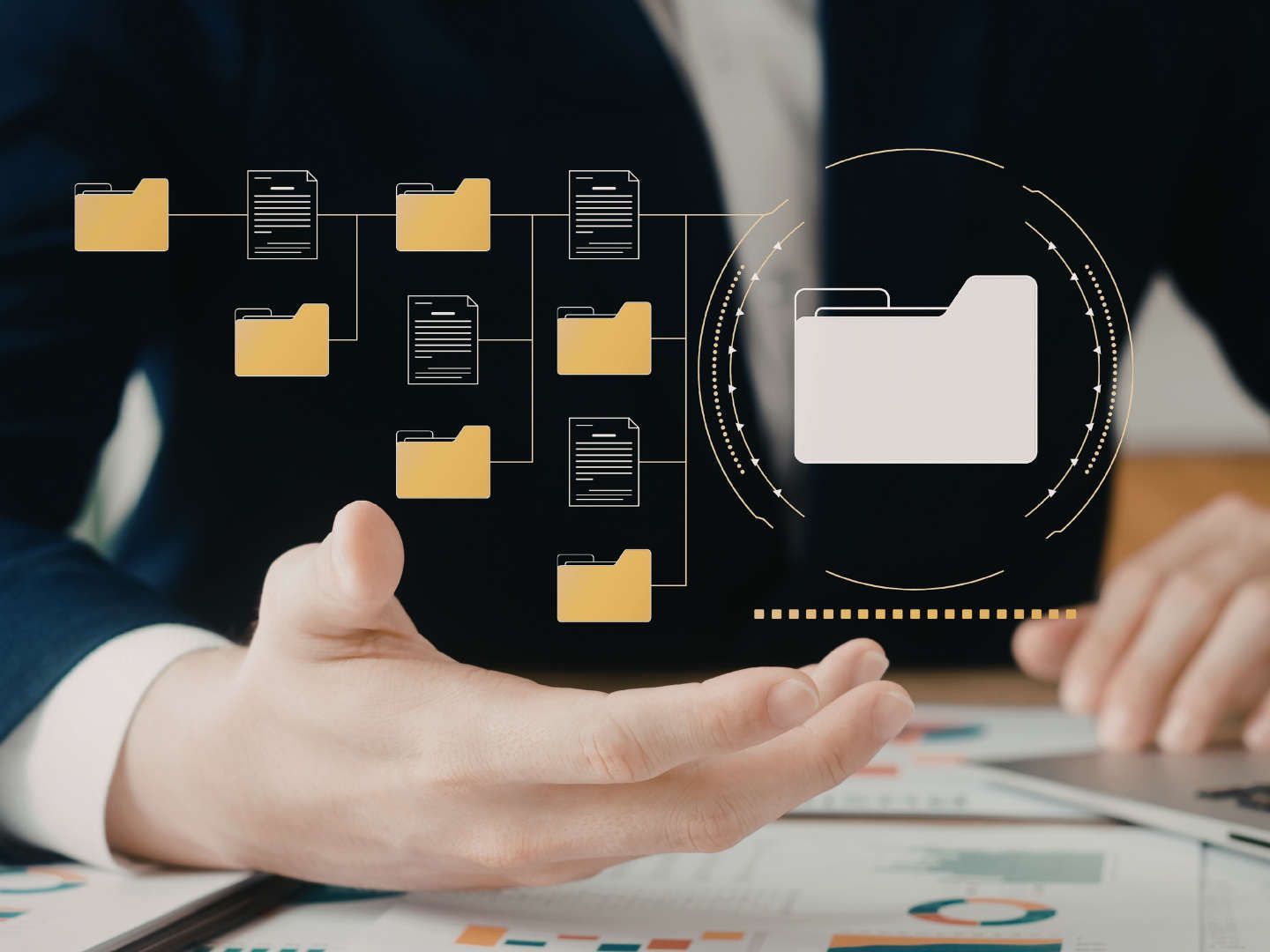
The success of digital document management hinges on findability and reliability. A DMS not only replaces paper folders but also manages versions, permissions, logs, and workflows. Documents are stored centrally, made searchable, and managed via defined access rights. At the same time, the filing system must be so user-friendly that it can be used daily without creating new, redundant storage areas.
What criteria are crucial when selecting a DMS?
When evaluating a document management system (DMS), first consider how quickly documents can be found and clearly structured. Key features include full-text search, OCR support, filters, saved searches, and a robust metadata model (e.g., for document type, customer, document number, or status). Next come versioning and traceability: Who modified, reviewed, or approved a document?
Integrations are also crucial. Interfaces to email, Office, accounting, ERP, or inventory management systems reduce media breaks and prevent the need for manual document transfer between systems. For inventory management processes, a Blue Office integration can help seamlessly link invoices, delivery notes, and transactions with the digital filing system.
How do you create a digital folder structure?
A sustainable long-term structure begins with a few, stable main areas, such as "Finance," "Sales," "Purchasing," "Projects," and "Human Resources." Folders should be kept as flat as possible. Orientation is provided not by too many subfolders, but by clear processes, document types, and metadata.
- Naming convention: Date, ID, short title, consistent separators
- Metadata: Document type, partner, number, status, deadline
- Structure: Few main areas, clear responsibilities, regular cleanup
Scanning process and replacement scanning
Even in a paperless office, paper documents don't disappear immediately. Incoming invoices, delivery notes, contracts, and signed documents still arrive on paper in many SMEs. To prevent these documents from simply circulating alongside digital filing systems, a clear scanning process is essential.
The scanning process determines whether paper documents are cleanly integrated into digital document workflows. Key elements include a defined mailroom, appropriate scan profiles, OCR text recognition, quality control, and traceable assignment to processes or files.
- Standardized mailroom instead of decentralized, individual filing systems
- OCR and indexing as mandatory, not optional
- Quality control and documentation before potential paper shredding
How does an efficient scanning process work?
An efficient workflow begins with a central input point: physical mail, delivery notes, or signed documents arrive at a defined location. This is followed by batch scanning using appropriate profiles. OCR should be performed immediately after scanning so that scanned documents can be found via full-text search and document fields can be automatically recognized.
Which quality controls are important?
Quality control measures save a lot of time later. Check legibility, completeness, and page order, especially for multi-page documents. Conduct spot checks and maintain an error log to resolve recurring scanner problems.
What does replacement scanning mean?
Substitute scanning describes a process in which a paper document is no longer stored after digitization because the digital version represents the authoritative working and archiving version. For this to be effective, you need a documented process that covers scan quality, completeness, traceability, and protection against subsequent alterations.
For further information on the documented DMS approach, we recommend reading the practical recommendations from BRZ: Document Management & Archiving.
Document management: Setting up a DMS and digital filing system correctly
A paperless office must be organized not only efficiently but also in compliance with legal requirements. Crucial to this are traceable processes, controlled access, secure archiving, and clear rules for document retention and deletion.
- Traceability and immutability as core principles
- Authorizations and logs as a minimum technical requirement
- Retention and deletion as part of the system design
What requirements apply to digital receipts?
For SMEs, transparent digital document management and archiving processes are particularly important. Documents should be clearly assigned, protected against unnoticed changes, and easily retrievable at any time. Furthermore, processing steps and approvals must be documented in a traceable manner.
In Austria, statutory retention requirements also apply. Many business documents must be archived for several years – usually at least seven years, depending on the document type and legal basis.
What does audit-proof archiving mean?
Audit-proof archiving means that documents are complete, organized, readily accessible, and protected against unnoticed alterations. This includes, among other things, logs of changes and accesses (audit trails), role-based permissions, and a documented deletion policy.
What needs to be considered regarding GDPR and access rights?
GDPR compliance begins with purpose limitation and data minimization: Only store what is necessary for the process and define clear access purposes. Role-based permissions prevent documents from being unnecessarily widely visible. The Austrian Data Protection Authority provides basic information on this topic.
In addition, end devices, user accounts, and particularly sensitive access points should also be secured. More information can be found in the article "Endpoint Security."
Key requirements for the paperless office explained simply
| Scope | What is important in practice |
|---|---|
| Traceability | Approvals, changes, and processing steps must be documented. |
| Archiving | Documents must be findable and protected from unnoticed alteration. |
| Access rights | Employees only see the documents they actually need. |
| Storage | Business documents must be stored in accordance with legal retention periods. |
| Deletion | Documents and personal data must be able to be deleted in a traceable manner. |
Digitizing workflows: invoices, approvals, and signatures
A paperless office only reaches its full potential when documents are not only stored digitally but also processed digitally. Workflows ensure that invoices, contracts, and approvals move transparently through defined process steps. This reduces processing times, clarifies responsibilities, and eliminates media breaks.
- Prioritize workflows: invoice first, then contract, then special cases
- Ensure transparency through status updates, deadlines, and escalation rules
- Use signatures only where they truly reduce processing time
How does a digital invoicing process work?
An e-invoicing process begins with clearly defined input channels: a designated email address, portal, or interface. This is followed by the automatic capture of invoice data, ideally with plausibility checks. After approval, you transfer the invoice to accounting or ERP (Enterprise Resource Planning) and archive it, including any audit trails.
This reduces manual data entry, makes approvals more transparent, and allows for faster invoice processing.
How do digital approvals work without media breaks?
Approvals should be recorded as status changes in the document management system (DMS): comment, approval note, and timestamp. Roles, rather than specific individuals, ensure the ability to delegate. The approval serves as proof and must be logged in the system.
Digital approvals eliminate email chains and ensure that decisions remain transparently documented. At the same time, delegation and escalations can be managed more easily.
When is a digital signature useful?
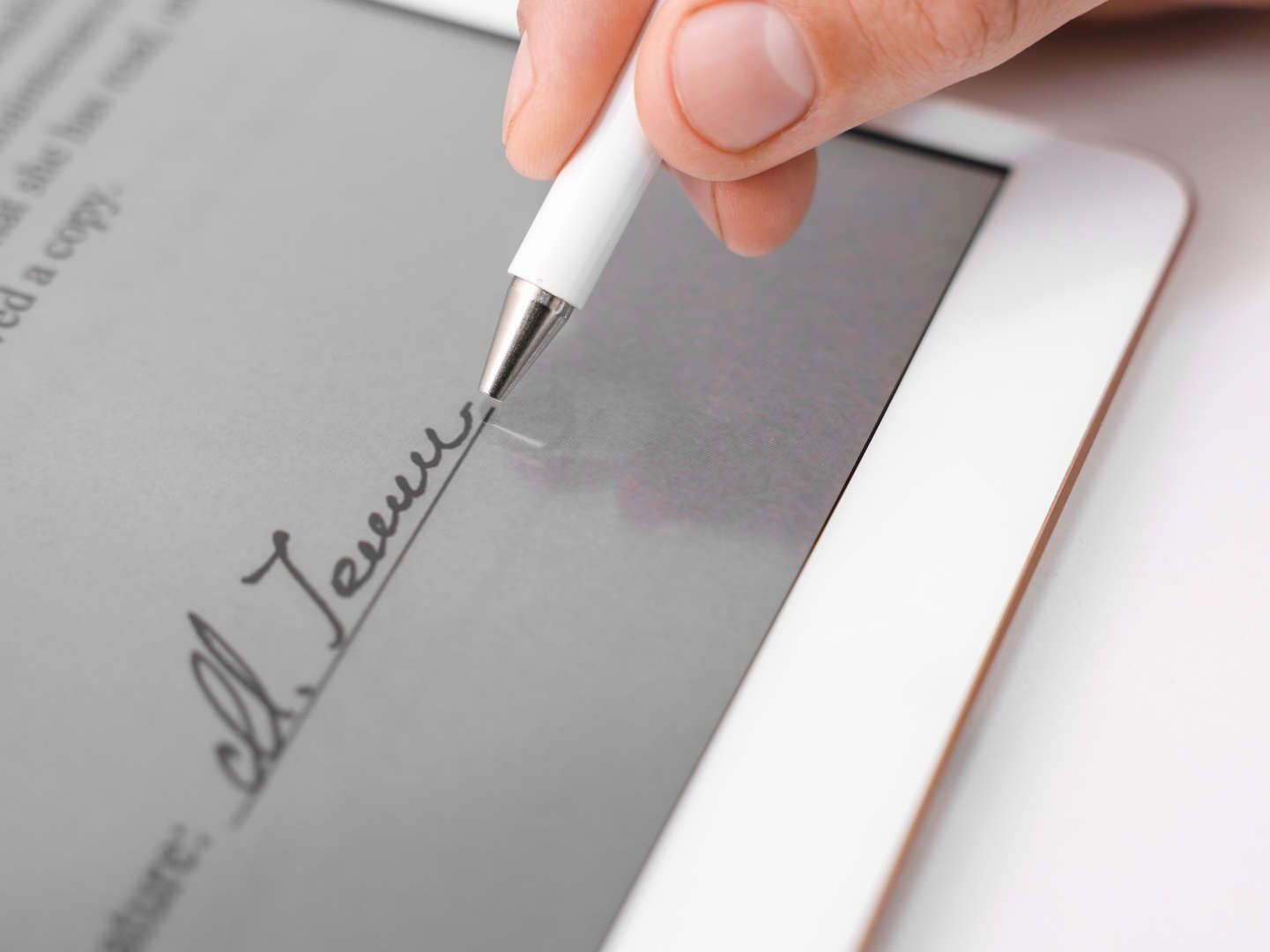
Digital signatures are beneficial when they reduce processing time or accelerate external approvals. They are particularly relevant for external contracts and recurring agreements. More crucial than the signature itself is its integration into the workflow and its automatic, audit-proof archiving.
The more interconnected documents, approvals, and business applications are, the greater the benefits of a paperless office. Therefore, workflows should always be planned in conjunction with storage, archiving, and existing business systems.
Technology, costs and operation
Besides the initial implementation, the ongoing operation is crucial for the success of a paperless office. Without clear responsibilities for updates, permission reviews, backup tests, and support, workarounds or shadow archives quickly emerge. Therefore, plan for operations and governance from the outset.
The article "IT Maintenance for Businesses" explains why regular maintenance, updates, and monitoring are essential.
Cloud or on-premise?
Cloud solutions often reduce internal maintenance costs and facilitate scaling because operation, updates, and availability are more heavily controlled by the provider. On-premises solutions, meaning locally operated systems on the company's own or managed infrastructure, can offer more control but require more maintenance and clearly defined responsibilities.
Cost is not the only crucial factor; backup and restore procedures, access controls, data protection requirements, and contractual agreements with service providers are also essential.
- Cloud: rapid scaling, reduced infrastructure costs, ongoing fees
- On-premises: greater control, higher initial investment, increased maintenance costs
For many SMEs today, a cloud solution is the more pragmatic entry point because infrastructure, updates, and availability are easier to manage.
What costs will be incurred?
Implementation costs include DMS licenses, scanners, project work for process design, and training. Ongoing costs include licenses, support, updates, and quality control. Measure benefits, for example, by reduced search times or fewer queries.
For Austrian SMEs, funding programs such as KMU.DIGITAL and GREEN may also be of interest, providing financial support for digitization projects related to document management, process optimization, and paperless business processes.
What typical mistakes should you avoid?
Common mistakes include overly complex initial projects, unclear responsibilities, and simply digitizing existing paper-based processes. When old processes are transferred unchanged to the digital realm, they often create new, redundant systems instead of genuine improvements.
It's better to simplify processes first and then implement them digitally. Clear mandatory fields, flat hierarchies, defined responsibilities, and regular reviews help ensure the long-term stability of a paperless office.
Best practices for acceptance
Acceptance increases when rules are comprehensible and simplify work. Short guidelines, brief training sessions, and clearly defined responsibilities are particularly helpful. FIGULI CONSULTING supports this with reviews that pragmatically combine operations, safety, and documentation requirements without complicating processes.
- Short guidelines: 1 page per core process
- Training in small units with real-world examples
- Monthly review routine
Conclusion
The transition to a paperless office succeeds when processes, filing, and technology are considered together. Crucial elements include clear document guidelines, a reliable scanning process, traceable approvals, and a simple digital structure that is actually used in daily operations.
SMEs particularly benefit when documents are easier to find, approvals function seamlessly, and information remains centrally accessible. A phased approach with clearly defined responsibilities is usually more successful in practice than an overwhelming, all-out rollout.
FIGULI CONSULTING supports companies in planning and implementing a paperless office with Inoxision and blue office – from process analysis and document management to successful implementation.
FAQ: Paperless Office
What does a paperless office mean in practice for SMEs?
For SMEs, it primarily means: digitally capturing documents, clearly assigning them, finding them quickly, and processing them transparently.
How do you implement a paperless office step by step?
Start with an inventory of your current situation, defining roles, a pilot project (e.g., incoming invoices), standards for filing and scan quality, and measure the results.
Which documents should be digitized first?
Prioritize: invoices, orders, delivery notes, standard contracts, and project-related documents.
Which document management system (DMS) is suitable for a paperless office in SMEs?
A DMS with robust search capabilities, versioning, role-based access control, logging, and integrations with email, accounting, and ERP systems.
How do you create a sensible digital folder structure?
Use a few main categories, flat folders, consistent naming conventions (date + ID), and metadata.
How does legally compliant scanning work, and when can paper be eliminated?
Alternative scanning requires documented processes, quality checks, and approval: Paper documents can only be destroyed after explicit authorization.
What needs to be considered regarding GDPR and access rights?
Role-based access rights, logging, regular reviews, and data processing agreements with service providers are key components.
What are the typical costs of the transition, and what factors influence them?
Costs depend on document volume, integrations, automation, and the size of the existing archive; both one-time and ongoing costs must be taken into account.