




Mobile data capture in the warehouse: Optimize processes with blue office
Mobile data capture (MDC) means that goods movements are recorded directly in the warehouse using a scanner and booked into the system without delay.
For companies with warehouse operations, this is a key advantage: bookings are processed faster, inventory levels remain up-to-date, and errors caused by manual entries are significantly reduced.
Mobile data capture can be integrated into existing ERP and inventory management systems. Using blue office as an example, the following demonstrates how typical processes are implemented in practice.
In practice, it becomes clear that the technology is not the only crucial factor; the precision with which processes, master data, and scan points are defined is equally important. FIGULI CONSULTING provides support precisely in this area, helping to align warehouse practices with system logic.
What companies typically improve with mobile data capture:
- Faster goods receipt processing
- Fewer picking errors
- More up-to-date inventory levels in real time
- Reduced inventory discrepancies
- Less rework due to media breaks
Table of contents
- Mobile Data Capture in the Warehouse: Basics, Benefits, and Typical Bottlenecks
- Mobile Data Capture in the System: Data Flow, Documents, and Real-Time Inventory (using blue office as an example)
- Requirements: Devices, barcode setup, Wi-Fi/offline, and labels in the warehouse
- Goods Receipt with Mobile Data Capture: blue office workflow for fast, secure bookings
- Digitizing Order Picking: Pick-by-Scan with blue office and fewer errors
- Inventory with Mobile Data Capture: Process in blue office, avoiding discrepancies, and keeping inventory up to date
- Implementation & Cost-Effectiveness: Planning, testing, and calculating costs for mobile data capture with blue office
- How Mobile Data Capture works in blue office: Typical screens and processes
- Conclusion
- FAQ
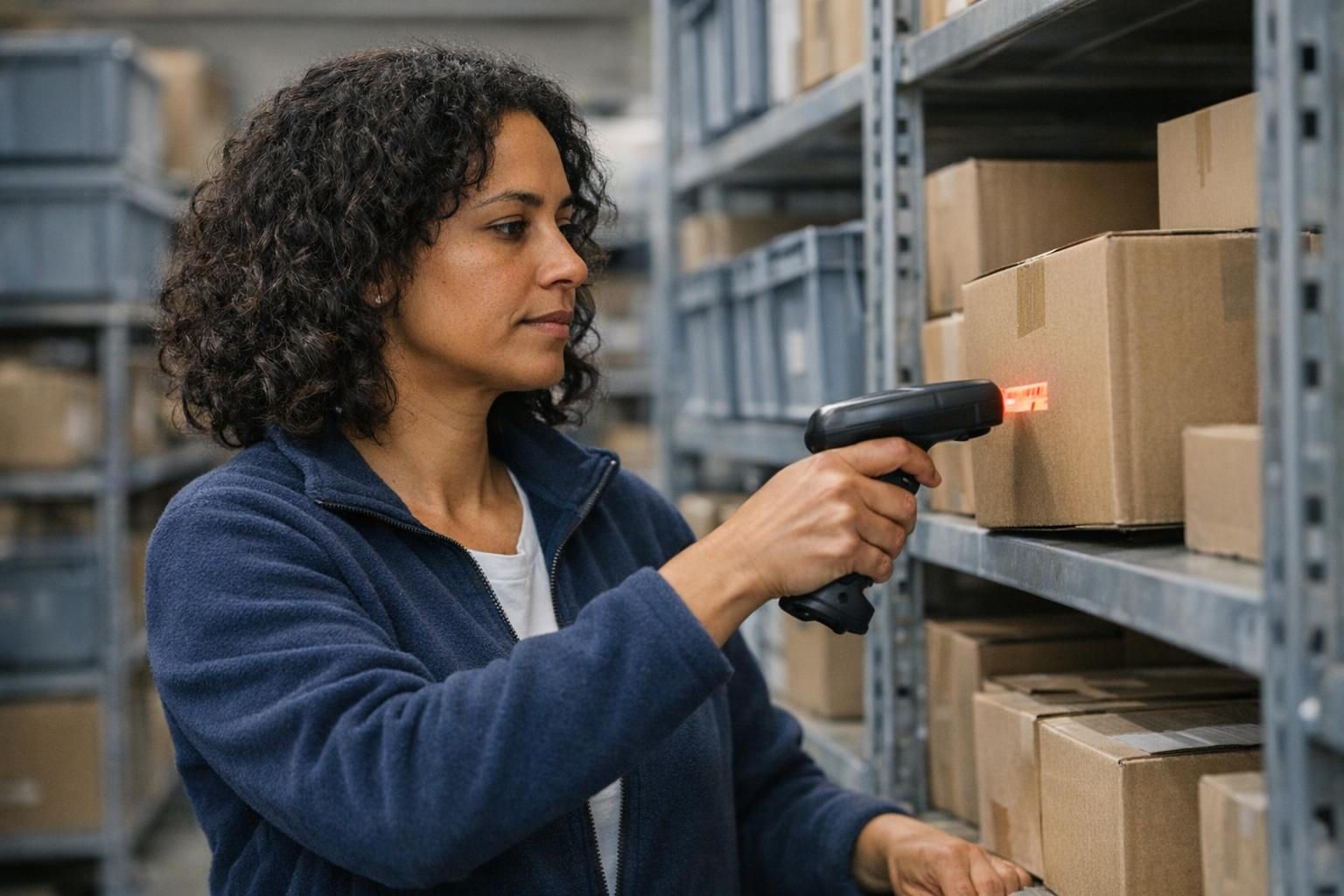
Mobile data capture in the warehouse: basics, benefits and typical bottlenecks
Mobile data capture refers to the digital recording of goods movements directly at the point of use – usually via barcode scanning – with immediate booking to the inventory management system. This reduces media breaks, makes inventory more up-to-date, and allows processes such as goods receipt, order picking, and stocktaking to be standardized, checked, and transparently documented.
In the warehouse, data quality is just as important as speed. Delayed bookings lead to subsequent errors: incorrect availability, unnecessary search times, and rework. A scanner solution shifts data capture to where the goods are actually moved, thus reducing room for interpretation.
The difference is particularly evident in everyday warehouse operations when comparing paper-based or delayed bookings with direct scan-based data capture:
Without mobile data capture
- Bookings are recorded late
- Inventory levels are not up-to-date
- Search times and rework are increasing
- Errors in goods receipt and order picking are becoming more frequent
With mobile data collection
- Bookings are made directly during the process
- Inventory levels are updated more quickly
- Sources of error are reduced
This is how mobile data collection works in the warehouse:
| Key figure | Mechanism of action through scanning processesdurch Scan-Prozesse |
|---|---|
| Goods receipt throughput timeWareneingang | Booking during scanning reduces post-processing and waiting times. |
| Picking errors | Storage location and item scanning prevents mix-ups. |
| Inventory difference | Plausibility checks and clean storage location logic reduce deviations. |
| Inventory updates | Bookings close to the event improve availability and scheduling. |
Mobile data capture in the system: data flow, receipts and real-time inventory (using blue office as an example)
Mobile data capture can be implemented with various ERP and business management systems. This article focuses on blue office, as it is a proven solution that enables structured mobile data capture in many companies without unnecessary complexity.
The underlying logic remains system-independent and is also transferable to other common ERP and business management solutions. The crucial factor is not the individual system, but rather the seamless integration of scans, documents, quantities, storage locations, and inventory bookings.
In blue office, the benefits of the mobile data capture (MDC) function are realized when each scan is assigned to a clear process: identification (item/storage location/document), plausibility check (mandatory fields, tolerances, authorizations), and subsequent booking with document reference. This ensures that inventory levels remain up-to-date, discrepancies are traceable, and clarification issues can be effectively managed.
A typical mobile data capture workflow follows a clear structure:
- Scanning an identifier: e.g., article barcode or storage location
- Assignment in the system:
The mobile data entry (MDE) interface recognizes the position or prompts the selection of a process
- Quantity recording:
Confirmation of the number of pieces and unit
- Additional information: Batch, serial number, or other characteristics as required
- Booking in the system: Saving with document number, timestamp, and user reference
Crucially, mobile data capture must integrate seamlessly with blue office, ERP processes, and actual warehouse operations. Only then can transactions be transferred without any media breaks, preventing new sources of error.
Typical errors in practice – and how mobile data capture prevents them:
- Duplicate entries: occur during subsequent data entry → scan records directly during the transaction
- Incorrect items: due to similar names → scan enforces unambiguous identification
- Quantity errors: manual entries are transposed → quantities are checked during the scan
- Unclear inventory levels: delayed recording → real-time updates in the system
- Lack of traceability: no document reference → every entry is documented
For standardized barcode structures (e.g., EAN/GTIN), the Chamber of Commerce guidelines offer valuable practical guidance.
Would you like to explore how mobile data capture with blue office can be implemented in your warehouse?
Requirements: Devices, barcode setup, Wi-Fi/offline connection and labels in the warehouse
In practice, mobile data capture rarely fails due to scanner hardware alone, but usually due to inconsistent master data, poor barcode quality, or unclear warehouse layouts. That's precisely why the technical implementation should always begin with a brief practical check of the master data and scanning paths.
Hardware: Scanners, mobile data entry devices and optional tablets
For stable workflows, robust devices (industrial scanners or mobile computers) with long-lasting batteries and good scanning handling are crucial. The selection depends on the environment (dust, humidity), ease of use, and integration capabilities with Wi-Fi or cellular networks.
Barcode setup and quality
Inconsistent or poorly printed barcodes cause scanning errors and disruptions in production processes. Measurable quality and clean labeling significantly reduce risk, rework, and interruptions in the warehouse process.
GS1 Austria's practical guide to barcode quality in the warehouse also demonstrates how strongly functioning barcodes influence the entire process from goods receipt and storage to order picking and shipping.
Master data checklist (practice check)
- Article barcode (GTIN) verified
- Packaging units defined
- Storage location structure consistent
- Batch/serial number obligations defined
- User permissions assigned
Goods receipt with mobile data capture: blue office workflow for fast, secure bookings
The process is fundamentally system-independent. The example of blue office clearly demonstrates how mobile data capture can be implemented in goods receiving.
A practical goods receiving workflow consists of clearly defined scanning steps: goods receipt scan (delivery note or order), item and quantity confirmation, inspection notes (defects, missing items), and subsequent storage or blocking.
Document reference is crucial: anything that changes the inventory should reference an incoming delivery note or order.
Instead of manually recording goods receipts later in the office, the employee scans the delivery note and items directly during unloading. Quantity discrepancies or missing items become immediately visible and can be resolved directly.
Step by step
- Scan delivery note → System checks items
- Quantity scan with tolerance check
- Batch/serial number capture if required
- Storage via storage location scan
In practice, it is often advisable to initially introduce new checks as a guideline and only make them mandatory later. This allows processes to be practiced thoroughly without unnecessarily blocking employees in their daily work.
Digitizing order picking: Pick-by-scan and fewer errors
Pick-by-scan significantly reduces picking errors: Scanning items, storage locations, and orders in the picking interface ensures unambiguous matching. Additional information such as expiration dates or special packaging can also be displayed.
For example: In paper-based picking, items are often only checked at the end. With pick-by-scan, errors are immediately visible as soon as the item is picked because the item, storage location, and order are clearly compared. This reduces picking errors, backorders, and internal queries.
Best Practices
- Avoid split picks if possible
- Partial deliveries with clear quantity tracking
- Feedback messages for incorrectly picked items
For a structured start, a pilot project with real warehouse orders and clearly defined test cases is recommended. This allows for early verification that the scanning logic, device handling, and master data function correctly in everyday operations.
FIGULI CONSULTING supports companies in implementing pick-by-scan with clear test cases, practical workflows, and an implementation that aligns with their actual warehouse processes.
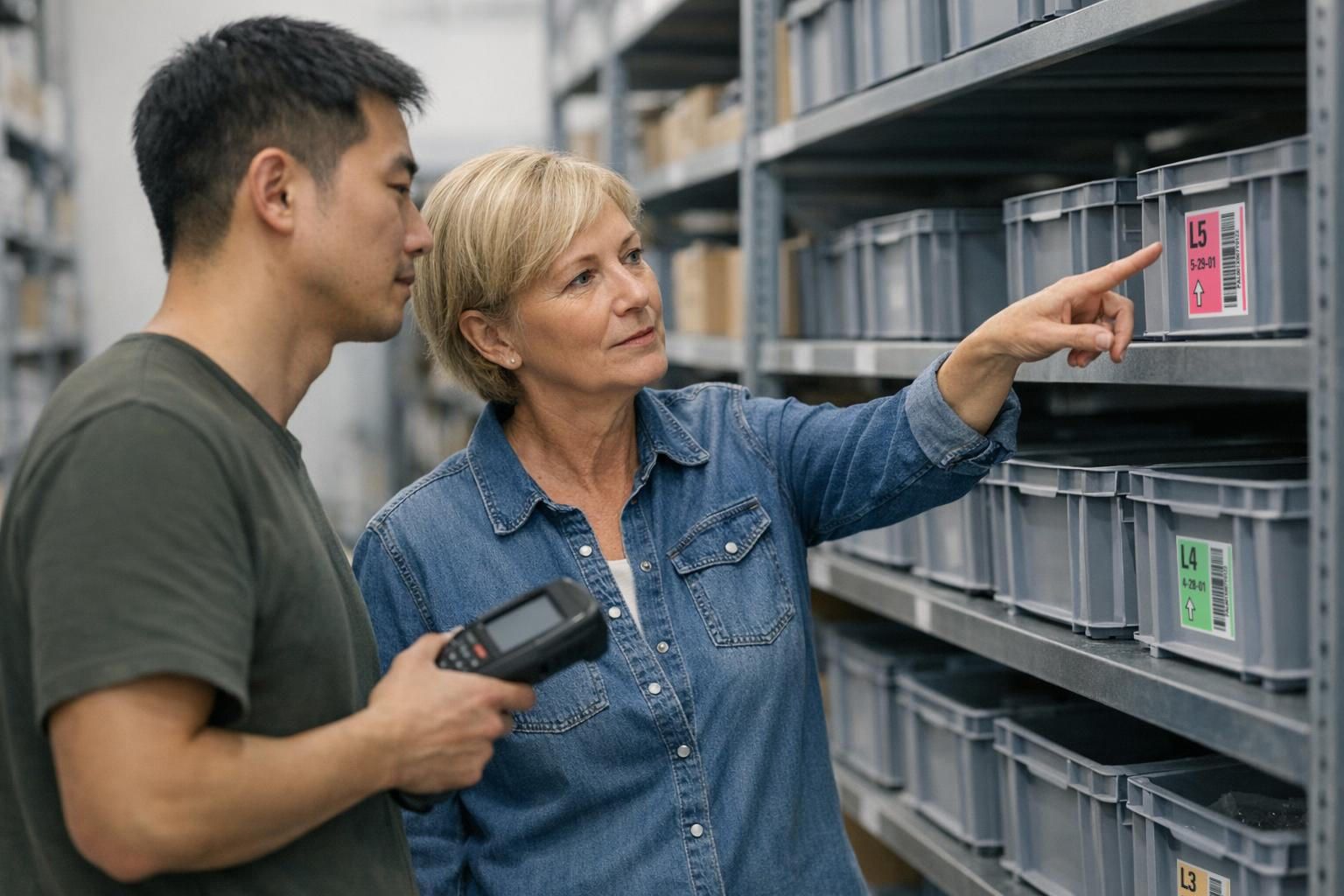
Inventory with mobile data entry (MDE): Process in blue office, avoiding discrepancies and keeping stock levels up to date
Inventory management becomes significantly more efficient with mobile data entry (MDE): Activate the counting machine, scan the storage location, scan the item, and record the quantities. Recount workflows and automatic plausibility reports are crucial to ensure that only justified discrepancies are processed further.
For example, instead of manually transferring count sheets, the storage location is scanned directly, and the quantity is recorded on-site. This reduces the risk of data entry errors, and discrepancies can be resolved more quickly.
Typical inventory workflow
- Start: Create count order
- Count via mobile data entry (MDE) (location → item → quantity)
- Recount if there are discrepancies
- Release and booking with document reference
A clean master data basis (article master, units, packaging) reduces typical discrepancies and rework.
Introduction & Cost-effectiveness: Planning, testing and calculating costs for mobile data entry (MDE) with blue office
Implementing mobile data entry (MDE) is particularly worthwhile where there is a high volume of goods movement, significant error costs, or paper-based warehouse processes lead to delays. The economic analysis encompasses not only the acquisition costs for devices, label printers, Wi-Fi infrastructure, and training, but also the savings from reduced rework, faster processing, and more stable inventory levels.
The benefits are especially significant when goods receipt and order picking are still paper-based, when discrepancies frequently need to be resolved, or when inventory levels and actual warehouse contents regularly diverge.
Typical effects of mobile data collection in practice
In practice, well-implemented mobile data capture often yields clear benefits in daily operations. The specific effects depend on warehouse size, process quality, and master data, but typical improvements are noticeable in several areas.
- Fewer picking errors: Unambiguous item and storage location scans often significantly reduce mix-ups.
- Faster goods receipt bookings: Entries are made directly upon unloading instead of later in the office.
- Fewer inventory discrepancies: Direct on-site recording reduces transmission errors and recounts.
- Less rework: Inquiries, correction entries, and manual re-entry are noticeably reduced.
It is important to note that such effects are not solely caused by the scanner, but by clean processes, suitable master data and a practical implementation.
Typical implementation errors in mobile data collection
In practice, mobile data entry (MDE) projects rarely fail due to technical issues, but rather due to implementation details. Typical mistakes lead to scanners being available but not consistently used in everyday practice.
- Overly complex forms: Too many required fields or unclear procedures slow down the process.
- Poor barcode quality: Faulty or inconsistent codes lead to scan failures.
- Lack of training: Employees circumvent the system or use it inconsistently.
- No pilot phase: Problems only become apparent in live operation instead of being tested beforehand.
Successful projects deliberately start small: with clearly defined processes, a few products, and a test run under real-world conditions. Only then is the project rolled out gradually.
When mobile data collection becomes economically viable
Mobile data capture is particularly beneficial when:
- many daily goods receipts or high item turnover
- recurring errors in picking or inventory
- a high proportion of manual rework (Excel, paper, duplicate data entry)
- unclear or delayed inventory management
- multiple storage locations or a complex warehouse structure
Mobile data capture is less suitable when:
- very small warehouse with few movements
- few product variants or a simple item structure
- processes are already highly standardized with no known sources of error
Typical economic effects in practice:
- Costs: hardware, software customization, training
- Savings: fewer stockouts, fewer returns, less rework
- Time savings: faster bookings and less manual data entry
- Amortization: often within 12–36 months, depending on process quality and usage
Mobile data capture is not an end in itself. In very small warehouses with few movements or already highly standardized processes, the effort may outweigh the benefits. Therefore, a realistic review of processes, master data, sources of error, and actual savings potential is worthwhile before implementation.
This is how mobile data entry (MDE) works in blue office: typical screens and processes
In practice, the mobile data entry (MDE) interface in blue office should be deliberately kept streamlined. Typical required fields are document number, storage location, item, and quantity. Depending on the process, batch number, serial number, or unit of measurement can be added.
The crucial point is that employees can reliably process transactions with just a few scans, without unnecessary selection fields or queries during the process.
Conclusion
Mobile data capture is a key driver for efficient warehouse processes – provided that processes, master data, and scanning logic are seamlessly integrated.
Companies not only accelerate goods receipt, order picking, and inventory, but also improve inventory quality, transparency, and traceability in daily warehouse operations.
Crucially, implementation doesn't end with scanners and software. Clearly defined processes, well-structured warehouse layouts, and practical implementation are essential to ensure that mobile data capture truly functions in everyday practice and doesn't become just another isolated solution.
This is precisely where FIGULI CONSULTING provides support: from analyzing existing warehouse processes through pilot phases and test cases to structured implementation in blue office and other suitable system environments. This ensures that mobile data capture is not only technically implemented, but also meaningfully integrated into existing workflows.
A stable IT organization and clear maintenance processes form the foundation for functioning warehouse and ERP systems. Read more about this in the article "IT Maintenance for Companies: Why Regular Support is Crucial."
Do you want to know specifically how mobile data capture can be implemented in your warehouse and where the greatest opportunities lie?
Analyze your warehouse processes now and uncover potential improvements.
FAQ
What is mobile data capture in the warehouse?
Mobile data capture means that goods movements are digitally recorded directly at the point of use – usually via barcode scan. This makes inventory levels more up-to-date, reduces errors caused by manual entries, and significantly improves the efficiency of processes such as goods receipt, order picking, and inventory counts.
What are the advantages of mobile data capture with blue office?
Mobile data capture with blue office accelerates warehouse processes, reduces incorrect entries, and improves inventory accuracy. Especially during goods receipt, order picking, and inventory counts, direct scanning ensures greater transparency and less rework.
How does goods receipt work with mobile data capture?
A typical process involves scanning a document or delivery note, recording the item and quantity, and scanning the storage location for putaway. This allows goods receipts to be checked, recorded, and documented in the system directly upon arrival without any media breaks.
How does mobile data capture help with inventory counts?
During inventory counts, mobile data capture enables the quick and direct recording of storage location, item, and quantity. This reduces transmission errors, simplifies recounts, and ensures traceable discrepancies with current inventory levels.
When is it worthwhile to implement mobile data entry (MDE) with blue office?
Implementation is particularly worthwhile with high warehouse throughput, numerous item movements, frequent booking errors, or time-consuming inventory counts. The more manual steps are currently required, the greater the benefit of mobile data capture.
What is the difference between mobile data capture and paper-based warehouse processes?
With paper-based processes, goods movements are often first noted down and then entered into the system later. This results in delays, transmission errors, and inaccurate inventory levels. Mobile data capture captures data directly during the process via scanning and immediately posts it to the system. This reduces errors, saves time, and ensures up-to-date inventory without rework.
What prerequisites must be met for mobile data capture in the warehouse?
Several prerequisites must be met for mobile data capture to function effectively:
- Clear warehouse layout
- Clean item and barcode data
- Suitable scanners or mobile data entry (MDE) devices
- Stable Wi-Fi or offline connection
- Defined processes for goods receipt, order picking, and inventory
Crucially, technology, master data, and processes must be compatible. Without this foundation, errors and delays will still occur despite the use of scanners.