



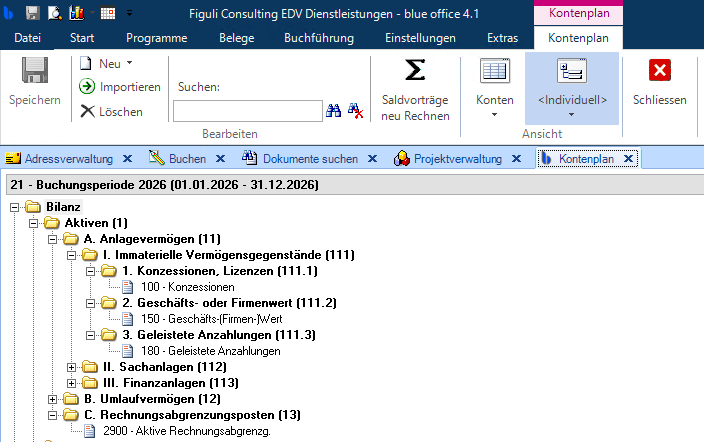
The blue office accounting system is not accessible.
Problem
The accounting module in blue office is inaccessible, the menu bar for accounting is greyed out, the correct chart of accounts is not displayed, all this despite a valid license.
Cause
The blue office accounting interface is not activated.
Solution
The interface setting is saved in your Windows user profile. If you work on multiple PCs or terminal servers, you must configure this setting in each of your user profiles.
To activate the accounting interface, you or your administrator can go to blue office under Settings > General > Options and click on the "Path Settings" option.
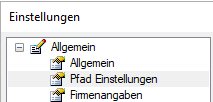
and then select blue office in the Accounting Interface section.